
Python powers more of the world's software than most people realise, and so does its vulnerability problem.
Over 560,000 packages are published on PyPI. Developers install them, build with them, and move on. What rarely follows is any systematic check on whether those packages remain safe over time. A vulnerability disclosed six months after installation looks identical to a safe package until something goes wrong.
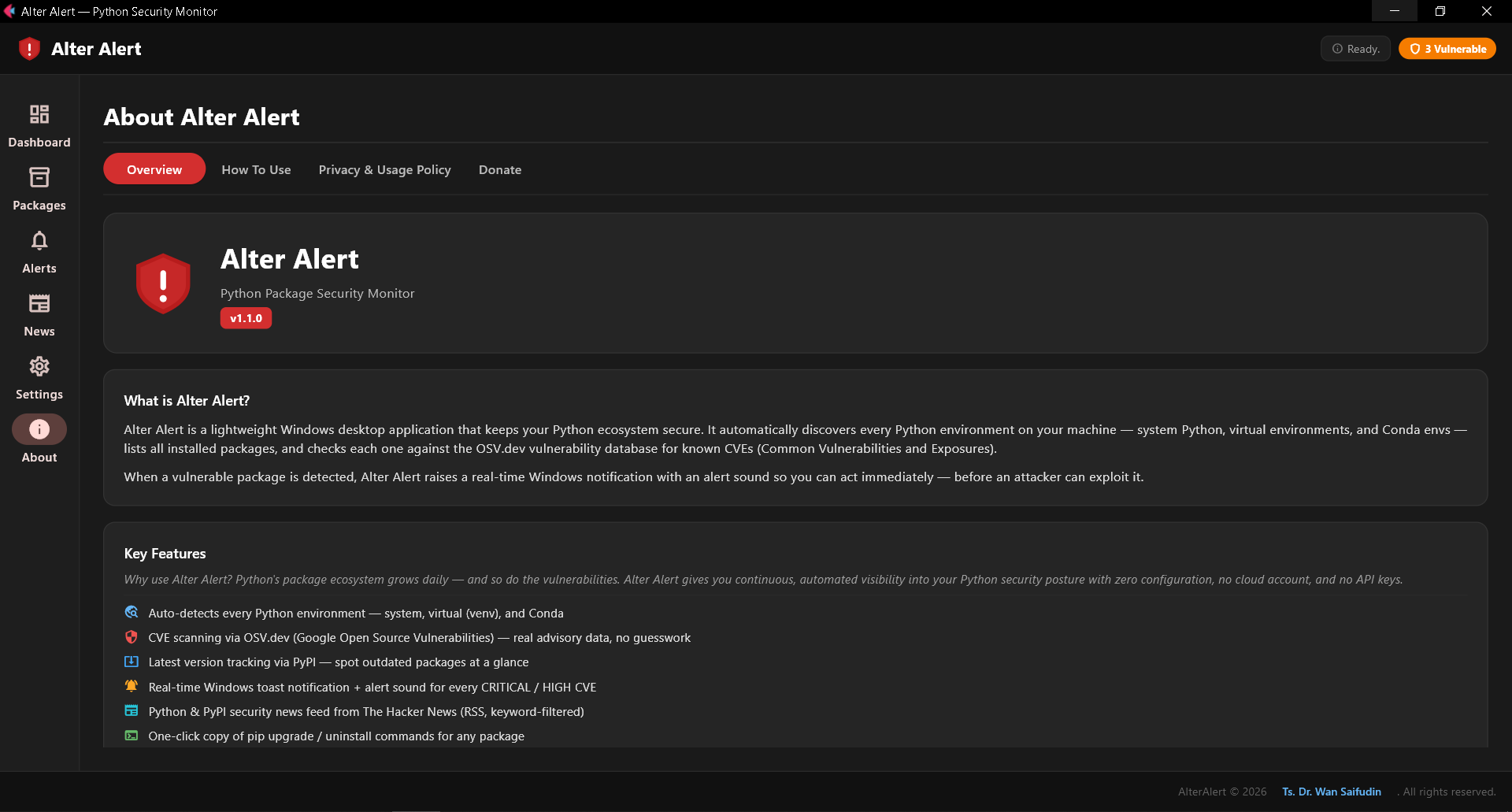
Alter Alert is a free Windows desktop application that changes this. It automatically discovers every Python environment on your machine, monitors every installed package for known CVEs, and alerts you the moment something demands your attention, doing so on a schedule, in the background, without any configuration.
The Gap Alter Alert Fills
Most developers encounter vulnerable packages one of three ways: they read about it in a security advisory after the fact, an automated CI/CD scanner catches it at deployment, or something breaks in production and an audit follows.
Each of these is reactive. None of them watches your local development machine, which is the place where vulnerable packages are most likely to accumulate unnoticed, across multiple virtual environments, over months of work.
Alter Alert is the tool that watches your local machine, continuously, so you do not have to.
How It Works
Alter Alert runs as a standalone .exe requiring no Python runtime and no installation wizard. On first launch it automatically discovers every Python environment present on your system: system Python installations, venv virtual environments, and Conda environments alike.
It then performs a full security pipeline:
- Inventory every installed package across all environments
- Query PyPI for the latest available version of each package
- Query OSV.dev (Google's Open Source Vulnerabilities database) for any known CVEs affecting the installed version
- Fetch the latest Python and PyPI-related security headlines from The Hacker News RSS feed
This pipeline runs on a configurable schedule of every 1, 6, 12, or 24 hours entirely in the background. When a CRITICAL or HIGH severity vulnerability is found, a Windows toast notification fires and an alert sound plays, even if the application window is minimised.
A full scan on a typical workstation completes in under a minute.
Inside the Application
Dashboard
The Dashboard gives you an immediate read on your security posture: total packages scanned, how many are outdated, how many are vulnerable, and how many are critical severity. Each metric is interactive. For example, clicking Critical navigates directly to a filtered view showing only those packages. The top-risk package list ranks the most dangerous findings by severity, and each entry is clickable. The three most recent security news articles from The Hacker News appear below, with a link to the full news feed.
Packages
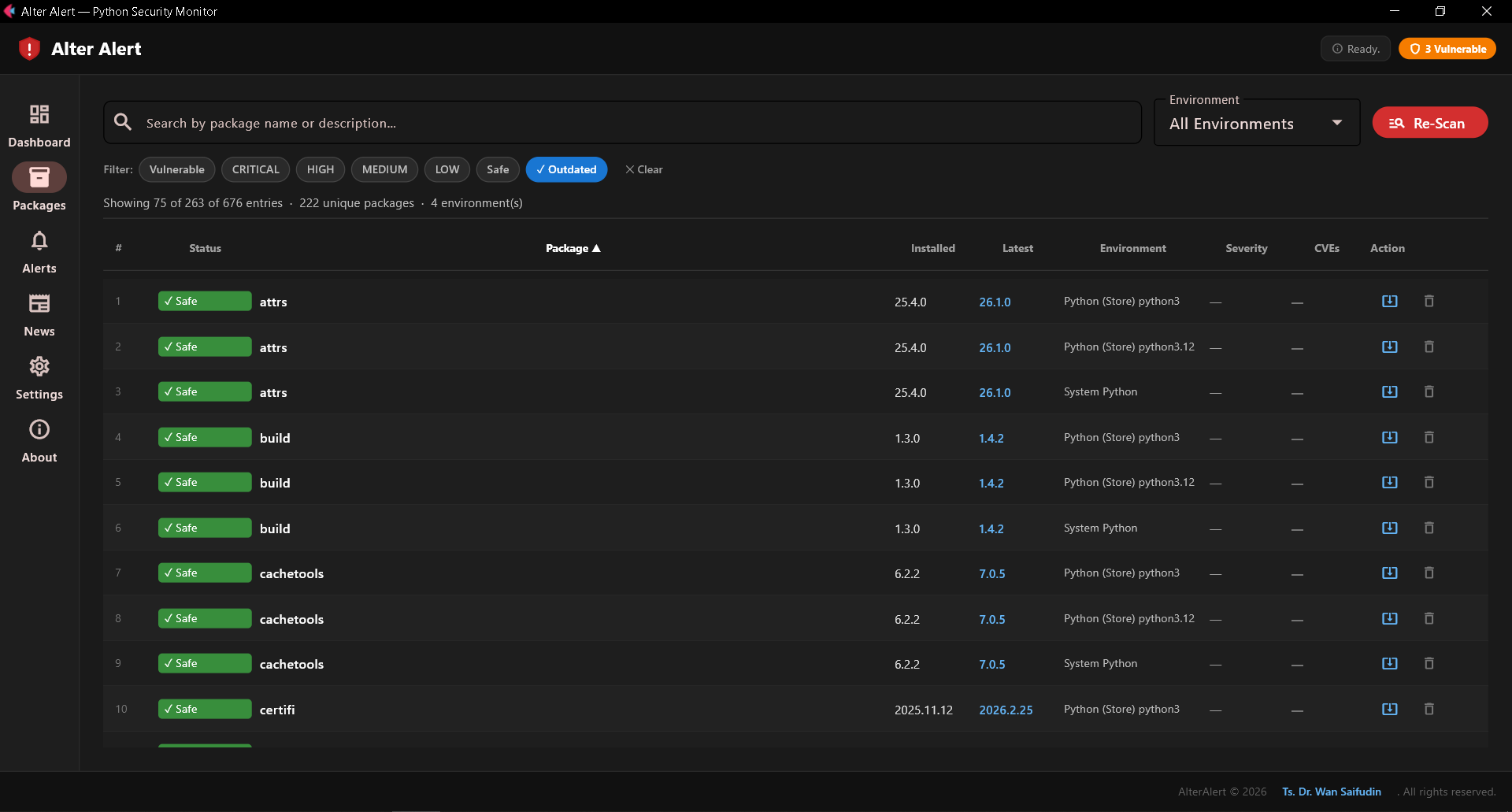
The Packages tab consolidates every installed package from every detected environment into a single, unified table. Each row shows the package name, installed version, latest available version, safety status, severity rating, CVE count, and the environment it belongs to. The table supports full-text search, multi-select severity filter pills, environment scoping, and column sorting, all combinable.
Clicking a package row opens a full advisory panel. For each detected CVE, this panel shows the advisory ID, severity rating, affected version range, a plain-language description of the vulnerability and its potential impact, and a direct link to the authoritative advisory on OSV.dev.
Remediation
For every vulnerable or outdated package, Alter Alert generates the exact terminal command needed: a pinned pip install --upgrade for packages with a safe version available, or pip uninstall where no patched version exists. A single click copies the command to the clipboard, ready to paste into CMD or PowerShell.
Alerts
The Alerts tab maintains a timestamped history of every CRITICAL and HIGH severity finding. Each entry links directly to the OSV.dev advisory, providing a persistent audit trail of security events across all environments on the machine.
Security News
The News tab presents Python and PyPI-relevant security headlines drawn from The Hacker News RSS feed, filtered automatically by keyword relevance. Articles are refreshed on every scan and open in the default browser at full read.
Settings
Users configure the auto-scan interval to 1, 6, 12, or 24 hours, or manual-only, with changes taking effect immediately.
Data Sources
Alter Alert draws on three authoritative, free, public data sources:
OSV.dev, Google's Open Source Vulnerabilities database, which provides structured, machine-readable advisory data covering the PyPI ecosystem. OSV.dev is the same source integrated into the Python packaging infrastructure itself, including pip audit.
PyPI JSON API, The official Python Package Index, used to retrieve the latest published version and package metadata.
The Hacker News RSS, A widely-read cybersecurity publication, fetched anonymously and filtered for Python and PyPI relevance.
No additional services are involved. Only package names and version strings leave the local machine, and these are sent to OSV.dev and PyPI for lookup purposes. The THN feed is a read-only fetch.
Privacy and Data Handling
Alter Alert was built with a clear principle: user data stays on the user's machine.
There is no telemetry, no analytics pipeline, no crash reporting, no user account, and no cloud synchronisation. All scan results, alert history, cached data, and settings are stored in a local SQLite database. The application makes no network requests beyond the three authoritative lookups described above.
System Requirements
| Version | 1.1.0 |
| Platform | Windows 10 / Windows 11 (64-bit) |
| Prerequisites | None, fully self-contained executable |
| Python required | No |
| File size | ~63 MB |
| License | Freeware, free for personal and professional use |
| Author | Dr. Wan Saifudin |
Getting Started
- Download
AlterAlert.exe - Run it (no installation required)
- Alter Alert discovers and scans all environments automatically
- Review findings in the Dashboard and Packages tab
- Set your preferred scan interval in Settings
No configuration. No dependencies. No accounts.
Download
Alter Alert is free to download and use for personal and professional purposes. No registration, no subscription, no expiry.
If Alter Alert has been useful to you, support future development at buymeacoffee.com/wansaifudin.